
If you are unable to access your Driven account, you can quickly regain access by requesting a secure access link or resetting your password. This guide walks you through both options so you can get back to your account as soon as possible.
Access the Driven Login Page
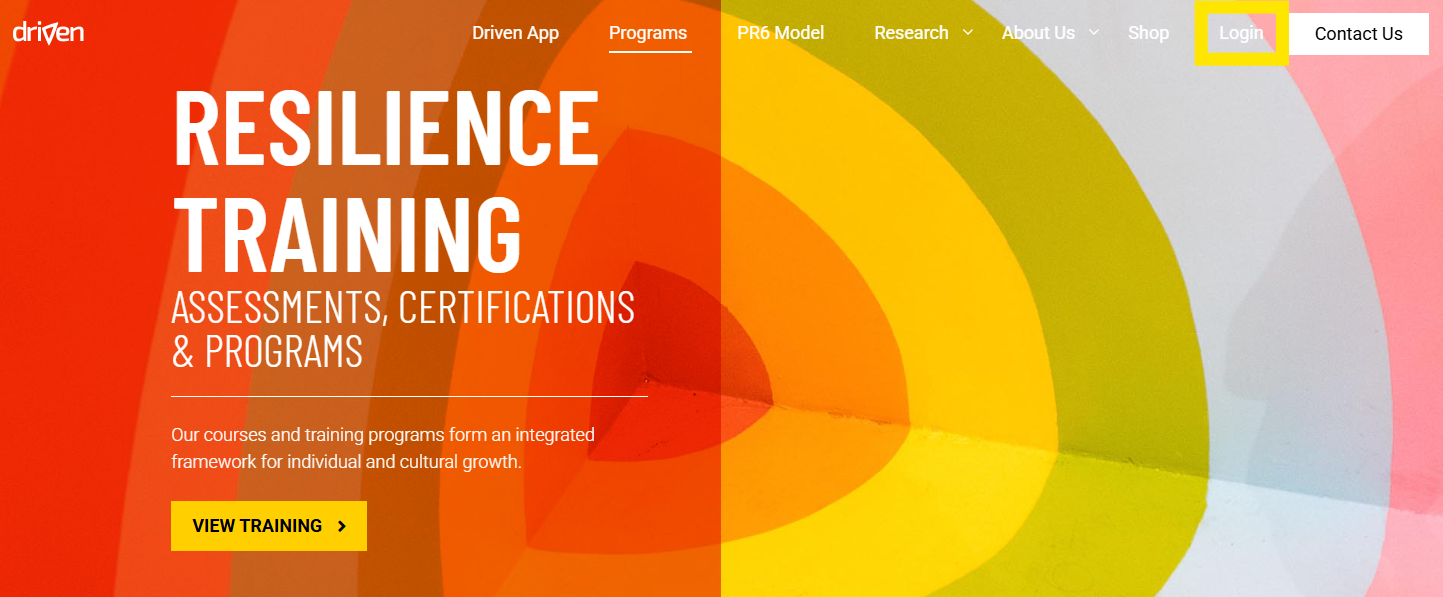
To begin, open your web browser and navigate to the Driven login page: https://hellodriven.com/login
Option 1: Get a Secure Access Link
If you do not remember your password or prefer not to reset it, you can use a one-time secure link to log in directly:
On the login page, type in your email address, submit, then click Get access link.
Check your email inbox for a message from Driven containing your One-Time Secure Access Link.
Open the email and click the provided link to access your Driven account instantly.
⚠️ Important: The Secure Access Link can only be used once and should not be shared with anyone else.
Option 2: Reset Your Password
If you want to set a new password for your account, follow these steps:
On the login page, type in your email address, submit, then click Reset password.
Check your email inbox for a password reset link sent by Driven.
Open the link and follow the on-screen instructions to create your new password.

ℹ️ Note: Once logged in, you can update your password at any time by navigating to Account > Password > Update Password.
Need More Help?
If you are still unable to access your account after trying these methods, please reach out to our Support Team or email us directly at support@hellodriven.com. A team member will assist you as soon as possible.