
Your Driven Pro Account provides access to comprehensive resilience tools, participant management features, and progress tracking. This guide walks you through accessing your account, managing your profile, and navigating your dashboard.
Accessing Your Account
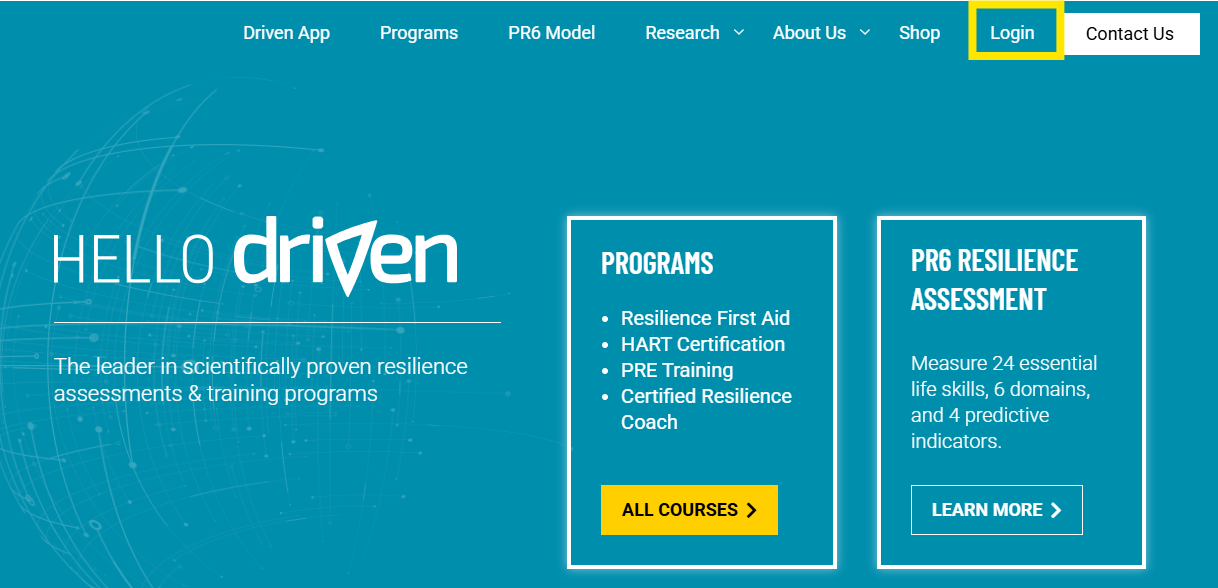
Open your web browser and navigate to https://hellodriven.com/login
Click Login.
Enter your registered email address and password, then click Next.
Trouble Logging In?
Get Access Link: Click Get access link on the login screen to receive a one-time secure login link via email.
Reset Password: Click Reset password to receive a password reset link by email and create a new password.
ℹ️ Account Settings Note: Once logged in, you can update your password or account details at any time by navigating to Account > Password > Update Password.
Dashboard Overview & Features
Once logged in, your main sidebar menu provides access to both personal resilience tools and administrative features:
Driven Daily: Complete daily activities, perform mood check-ins, and view your personal RARE Factor score.
Admin Area: (Certified Coaches & Practitioners) Access the Driven Pro menu to manage participants, assign programs, view group metrics, and generate reports.
Explore & Stats: Browse the full resilience library and view detailed domain statistics.
Account: Edit your public profile, update password credentials, view billing details, or upgrade your plan and add credits.
Helplines: Direct access to professional crisis support contacts and helpline resources.
Managing Your Account & Subscription
To update personal or organizational settings:
Select Account from the left sidebar.
Use the tabbed menu to manage your profile details, company settings, or billing information.
To add assessment points or upgrade your practitioner tier, follow the prompts within the Account or Get Points section.
Troubleshooting & Support
If you have questions about your Driven Pro account, need help with billing, or experience login issues, please submit a request via the Contact Us page or email us directly at support@hellodriven.com. Professional support contacts are also available directly in the Helplines section of your dashboard.