
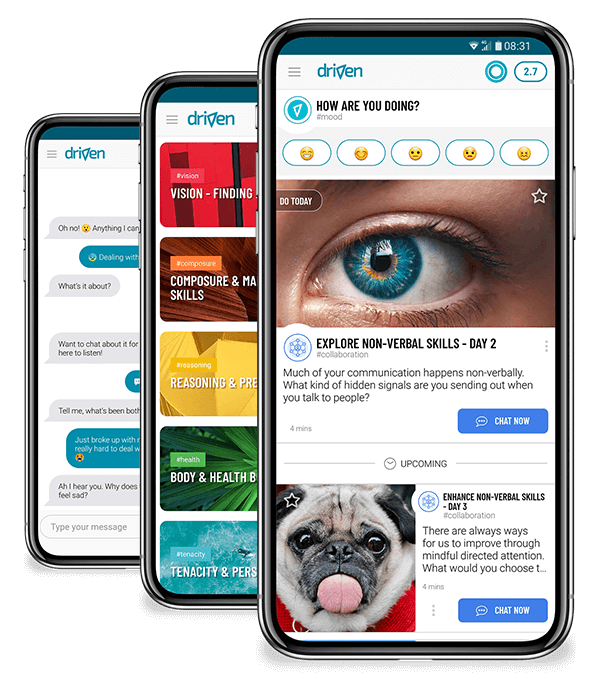
The Driven Resilience App is a virtual coach designed to help you build resilience and improve your mental and physical wellness in just five minutes a day. This guide walks you through downloading, installing, and setting up the app on your mobile device.
ℹ️ Evidence-Based Design: Peer-reviewed research shows the app's effectiveness in supporting mental health. You can Download the White Paper, Watch a Quick Intro Video, or Explore the Research Studies.
Download & Installation
The Driven Resilience App is free to download for both iOS and Android devices.
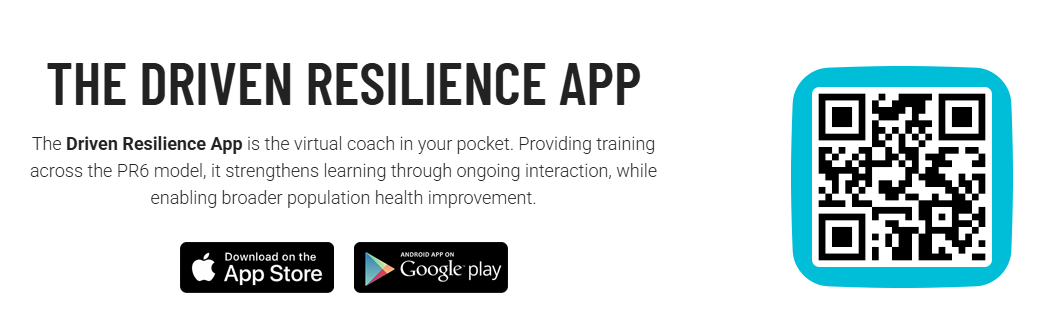
Open Your App Store: Launch the App Store (iPhone/iPad) or Google Play Store (Android) on your device, or scan the QR code below.
Search for Driven: Type Driven Resilience App in the search bar and locate the official app with the Driven logo.
Download & Install: Tap Get or Install to download the app to your device.
Open the App: Once installation is complete, tap Open to begin setup.
Getting Started in the App
After opening the app for the first time, follow the step-by-step on-screen prompts to set up your profile:
Create Your Account: Register a new account or log in with your existing Driven credentials.
Take Baseline Assessment: Complete your initial check-in to generate your baseline RARE Factor score.
Set Daily Reminders: Configure notifications for daily activities and mood check-ins at times that suit your schedule.
Explore Features: Access your personalized Driven Daily homepage, track habits in My Stats, and start chatting with your virtual coach.

Troubleshooting & Support
If you experience any issues downloading, installing, or logging into the Driven Resilience App, please reach out to our Support Team or email us directly at support@hellodriven.com. Our team is here to help you get started.